12 AI Workflow Automation Examples Across the Customer Journey
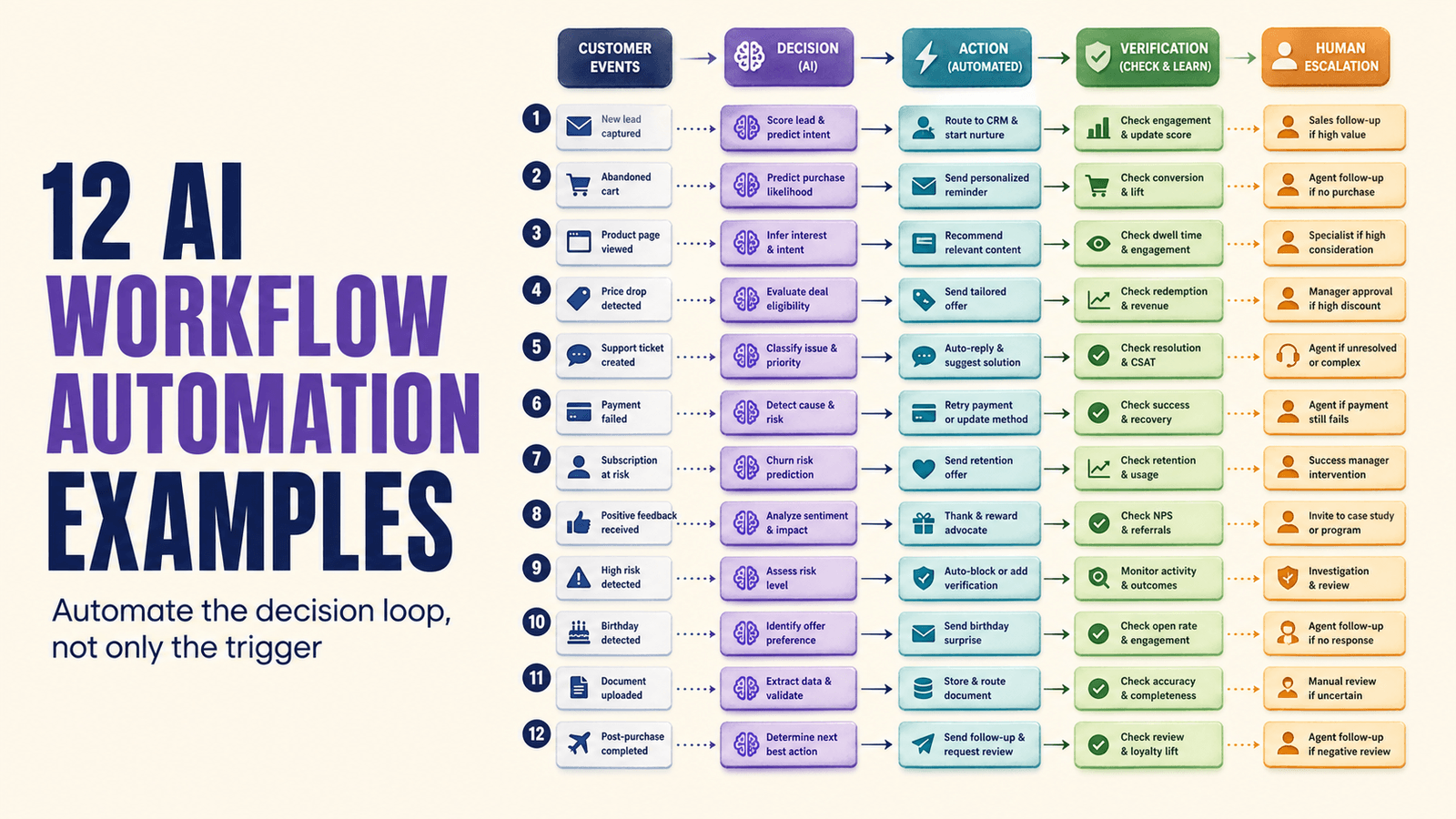
These 12 AI workflow automation examples show how conversations become decisions, owners, actions, and measurable outcomes across sales, service, and operations.
At 10:40 on Wednesday, an operations lead opens an automation canvas with 143 nodes. It moves data across six tools, but a simple request to reschedule a call still creates a ticket for a human to interpret. The workflow automates transport. It does not automate the decision.

The operational moment where the hidden cost becomes visible.
Useful AI workflow automation follows the Decision Loop: detect a customer event, interpret context, choose an allowed action, execute it, verify the result, and escalate uncertainty.
The Trigger Illusion confuses moving data with completing work
A trigger can copy a field or send a message without understanding whether the customer journey advanced. The Trigger Illusion appears when automation volume grows while exceptions and manual reconciliation grow with it.
An AI workflow earns autonomy only where the intent, action boundaries, evidence, and failure path are clear.
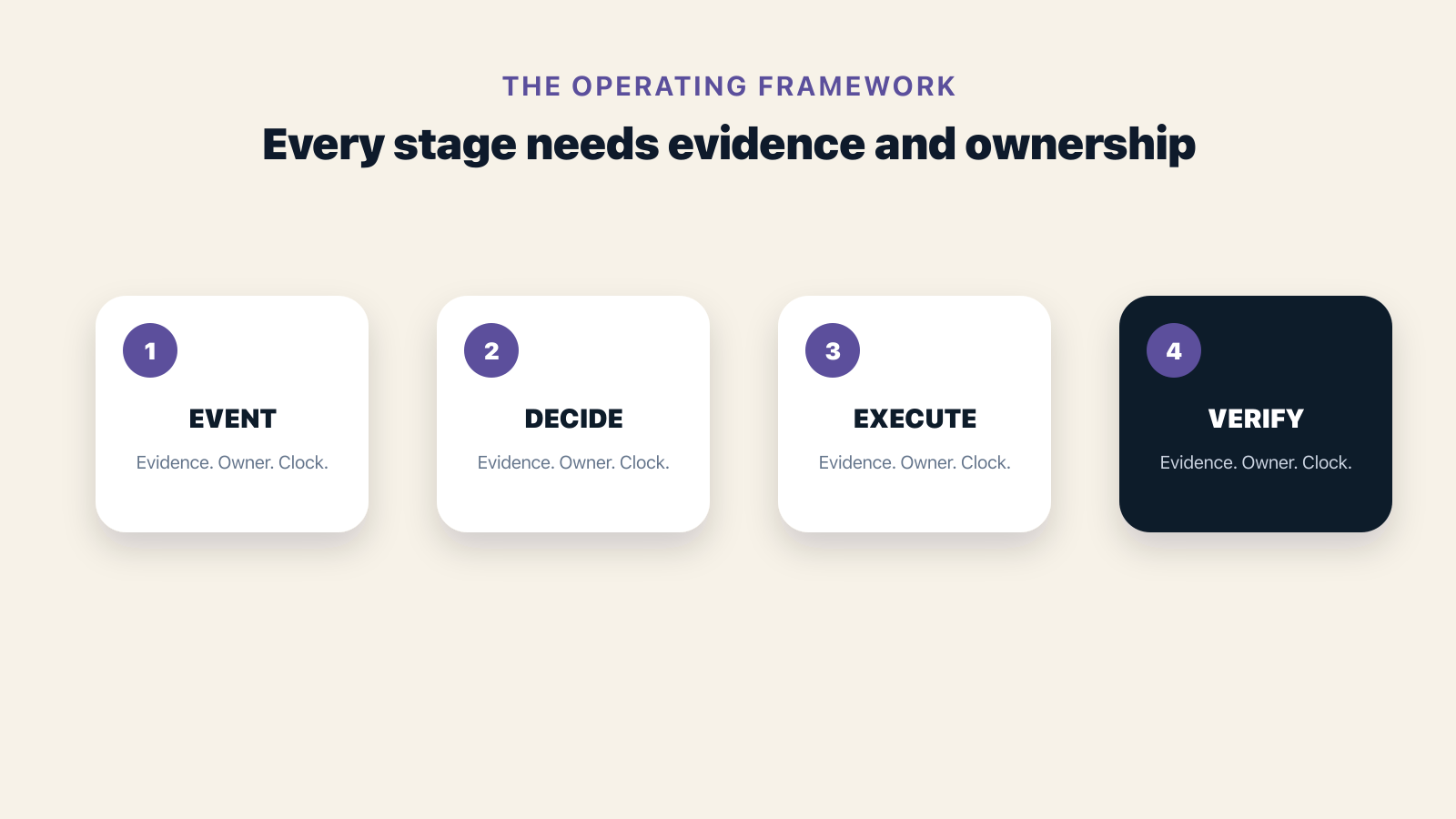
The workflow becomes manageable when causes, decisions, and owners are visible.
Twelve workflows cover the customer lifecycle
Start with narrow journeys where the decision is frequent, the outcome is observable, and failure can be contained.
Each example should have a clear event, interpretation step, action, owner, and completion signal.
- Conversational lead capture
- Qualification and intent scoring
- Readiness-based routing
- Meeting booking and rescheduling
- Missed-call recovery
- Quote follow-up
- No-show recovery
- Order confirmation
- Support triage
- Renewal risk outreach
- Collections follow-up
- Conversation-based coaching
The exception path determines production readiness
A workflow must know what to do with anger, uncertainty, missing data, conflicting instructions, high value, policy risk, and repeated failure.
These cases need human escalation with full context, not a generic fallback message and a disconnected ticket.
Choose the first workflow by recoverable value
Prioritize a journey with visible leakage, enough volume, reliable inputs, and a measurable outcome.
Avoid starting with the most politically important process if its data, ownership, and completion rules are still undefined.
Automate the decision loop, not only the trigger
The workflow is complete when the customer outcome changes and the result is verified.
Brixi connects AI decisions with customer context and execution
Brixi combines AI assistants, CRM, Voice AI, WhatsApp, email, web chat, buyer intent, workflows, analytics, and human teams.
Teams can automate narrow decisions without building a fragile chain of point tools for memory, routing, action, and measurement.
- Conversation-aware triggers
- Bounded AI actions
- Cross-channel workflow execution
- Human escalation and outcome evidence
After a quarter, expand only the workflows that learned
Measure completion, escalation, false action, recovery, handling time, customer effort, and economic outcome for each workflow.
Use failure evidence to improve boundaries before adding more intents or channels.
- More completed journeys
- Lower manual handling
- Safer exception escalation
- Clear workflow-level ROI
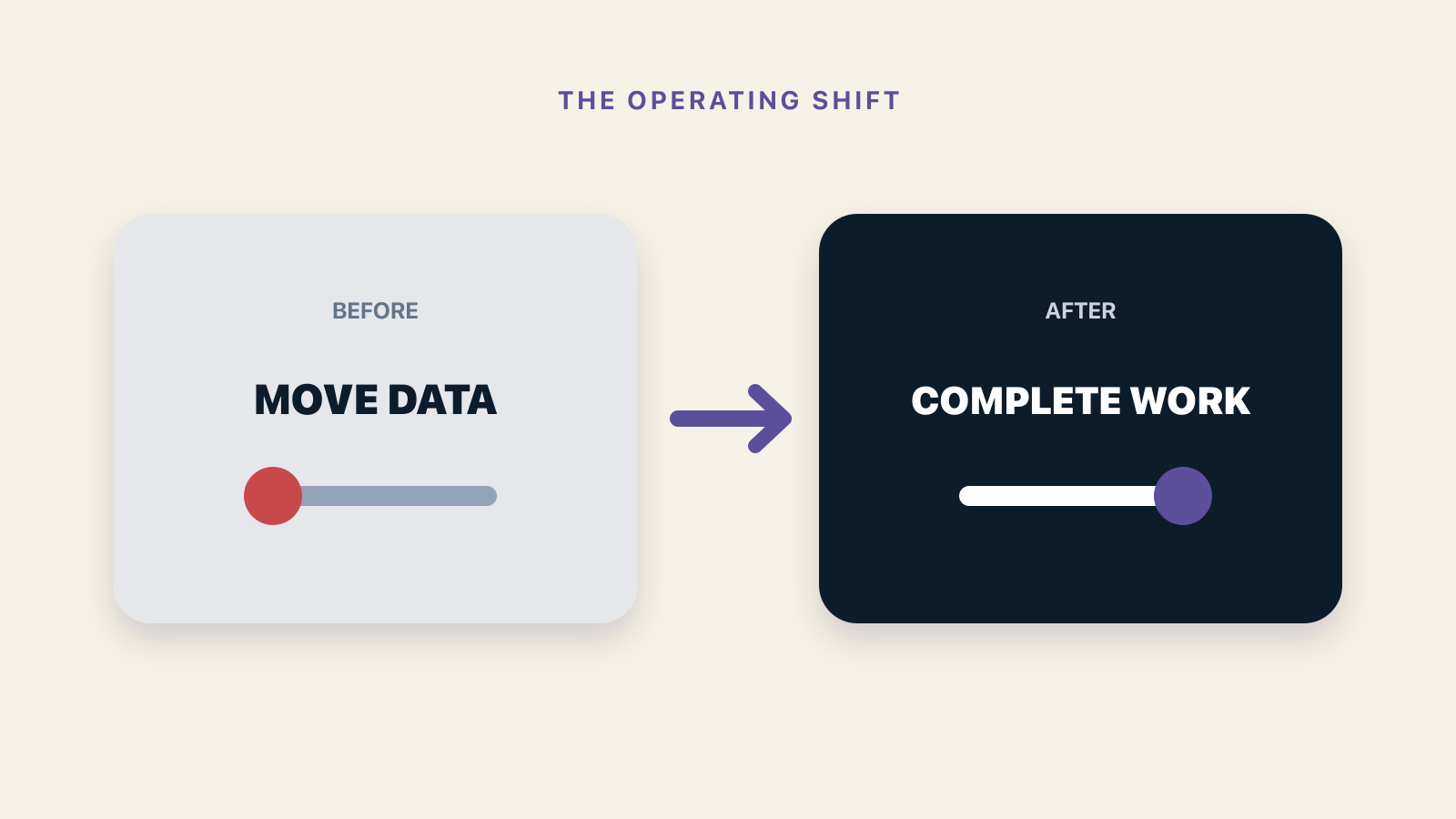
Better customer outcomes appear when the full loop is measured.
The deeper bet is that workflows become adaptive operating policies
Static automations assume the same input deserves the same path. Customer conversations reveal nuance that changes the correct decision.
AI-native platforms will keep rules where certainty matters and add interpretation where customer context changes the path.
Choose your first AI workflow by measurable value
Map the event, decision, action, evidence, and exception path with Brixi.
Plan an AI workflowFrequently Asked Questions
It uses AI to interpret context and choose bounded actions inside a workflow, while preserving rules, evidence, and human escalation.
Choose a frequent, narrow journey with reliable inputs, visible leakage, clear actions, and a measurable completion event.
Trigger automation moves data after predefined events. AI workflow automation can interpret unstructured context before selecting the next allowed action.