WhatsApp AI Needs the Exact Product Variant Behind Every Question

WhatsApp AI needs a Variant Anchor that links each product question to the exact option under discussion. A customer name and a broad product interest do not provide enough context for dimensions, availability, price, or included components.
Picture a customer asking about a blue sofa, then sending a catalog item for the larger configuration and writing, “Will this fit through my door?” The assistant answers using dimensions from the smaller model discussed earlier. Its response is fluent and the product family is correct. The physical recommendation is still wrong.
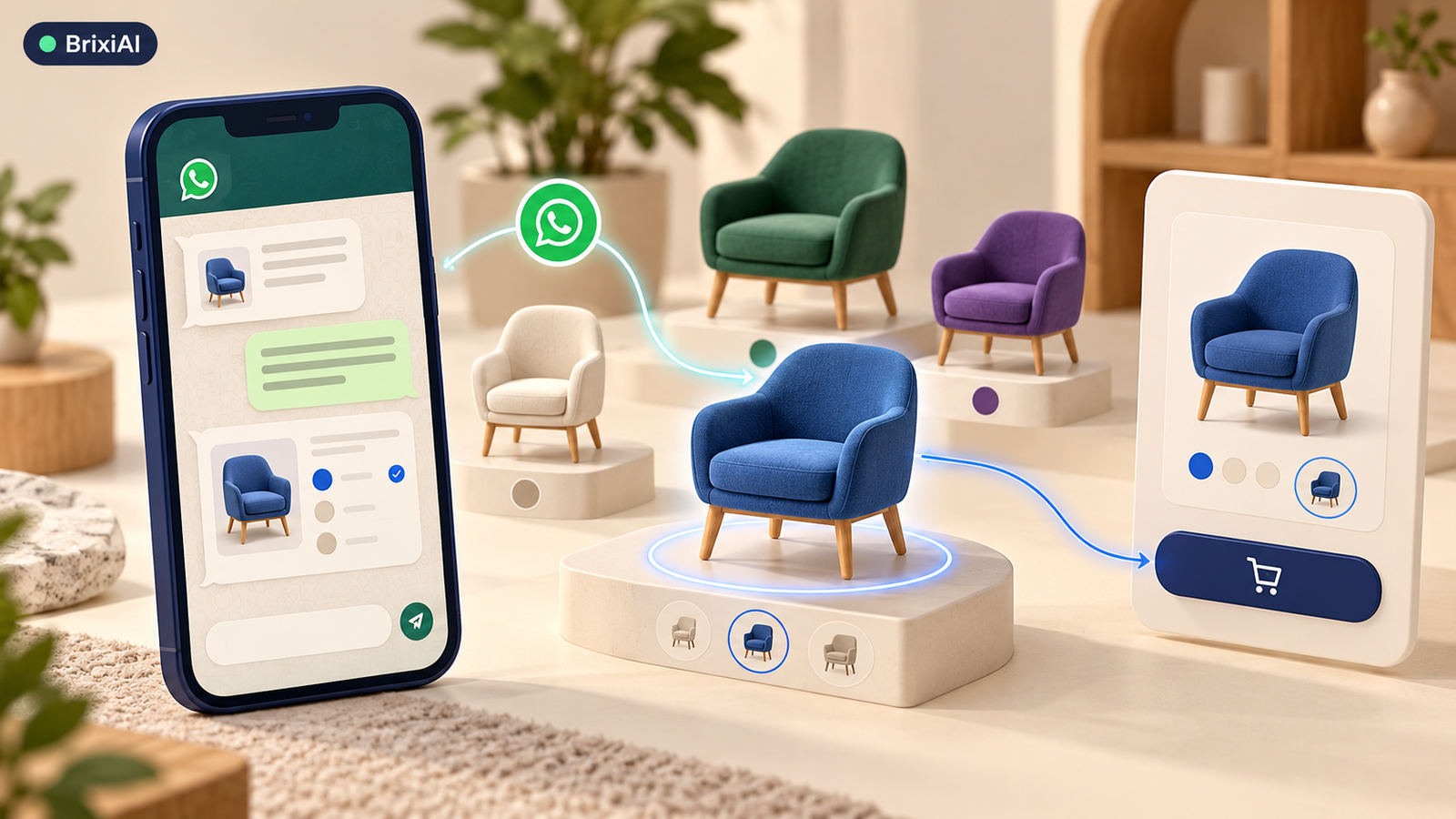
The Variant Anchor keeps the customer’s meaning connected to the next action.
WhatsApp AI needs a Variant Anchor that links each product question to the exact option under discussion. A customer name and a broad product interest do not provide enough context for dimensions, availability, price, or included components. Conversation memory must preserve the object of the question, not just the topic.
Product interest is too broad for a specification answer
Resolve the referenced product from the current message, any quoted item, recent explicit selections, and the authorized catalog. Keep product family, variant, quantity, and location separate. When the customer changes only one attribute, carry forward other attributes only if that interpretation is justified. “The blue one” is ambiguous when two sizes share the same color.
A variant reference should be stable even when its display name changes. Customers may use a nickname, a color, a photograph, or a catalog item to point at the product. The assistant needs to resolve that language to an approved business object before retrieving specifications. Retain the original reference so the advisor can see how the match was made. Where several objects remain plausible, a clear two-option question is more useful than a confident answer generated from the most popular variant.
Variant errors masquerade as fulfillment failures
Variant mistakes turn helpful-looking advice into fulfillment problems. The wrong configuration may be priced, reserved, or delivered. Support then receives a complaint that appears to be a warehouse error even though the failure began in the conversation. Generic CRM interest fields hide the distinction because both products share one family name.
The practical failure is specific: product family substitutes for exact variant. The desired behavior is equally specific: every specification has an object and source. Use those two statements as the review boundary. A response should be judged by the state it leaves behind, not only by whether its wording sounds helpful.
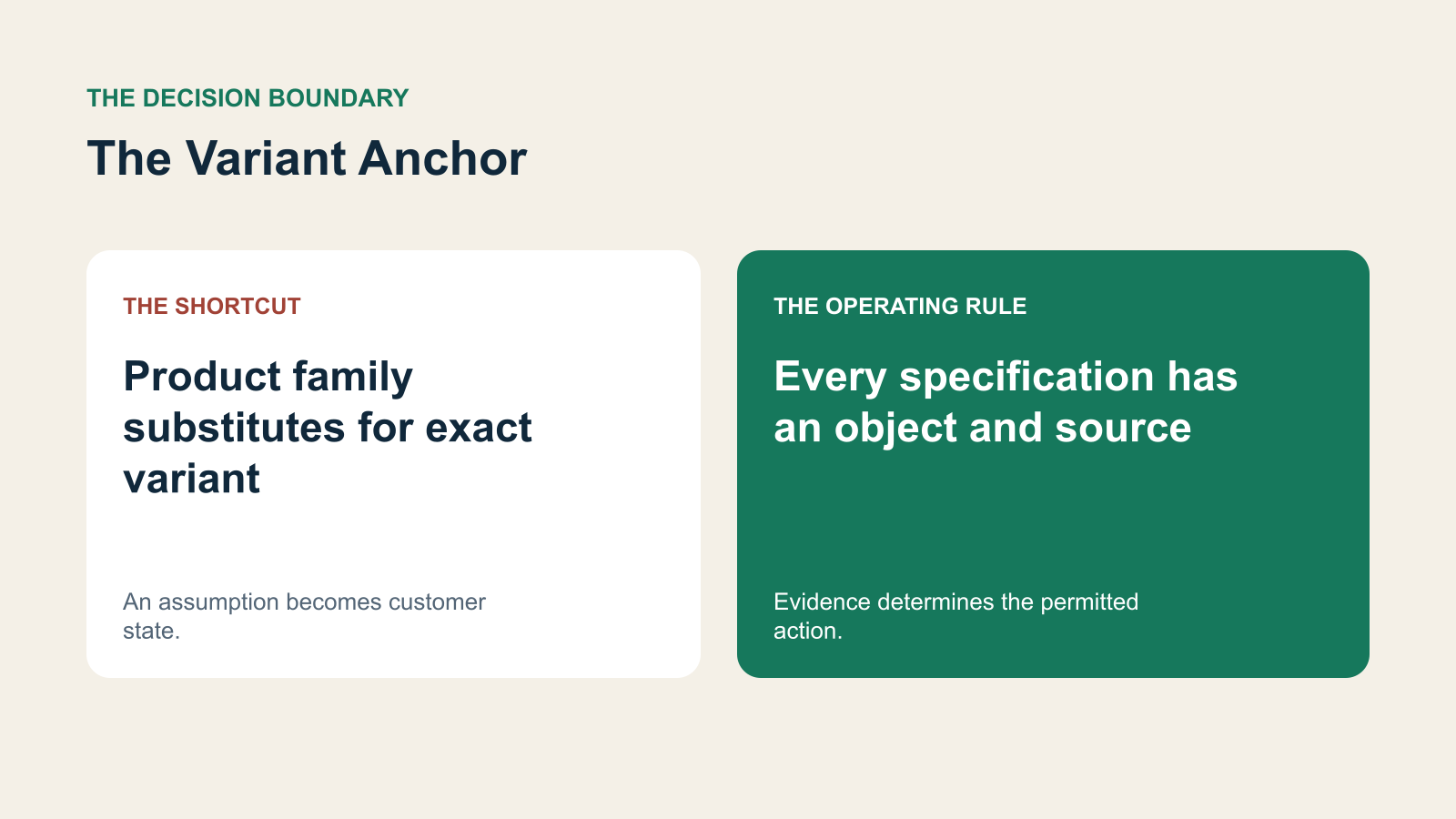
The Variant Anchor: the wrong shortcut and the evidence-based decision.
The working record behind The Variant Anchor
The record needs enough structure for another owner to verify the interpretation. For this journey, preserve four parts together rather than scattering them across a transcript, a note, and an action queue. Each part below has a different operating purpose. A populated field is useful only if the next owner can tell what it refers to and whether it is current.
Product family and stable variant identifier
Use a stable variant reference alongside the display name. Color or family name alone may identify several products with different specifications.
Referenced message or catalog item
Retain what the customer pointed at. A quoted item, image, or explicit correction can change which catalog record should answer the question.
Current approved specifications and availability
Retrieve current approved specifications for that variant. Do not borrow dimensions or inclusions from a related item simply because they are available.
Customer measurements and unresolved compatibility questions
Keep customer measurements separate from catalog facts. Unknown packaging or access requirements should become a verification task rather than a guaranteed compatibility statement.
A narrow clarification can prevent a physical mistake
Confirm that the customer means the larger blue configuration before answering the access question. Retrieve its current packaged dimensions and any approved delivery requirements. Distinguish the customer’s doorway measurement from the product’s unpacked size. If packaging or access information is unavailable, create a specific verification task rather than making a guess from another variant.
A suitable clarification or acknowledgment in this illustrative scenario is: “Do you mean the larger blue configuration you just shared?” The wording is an example to adapt to the approved customer process, not a universal script. Its purpose is to make the next decision clear without claiming that an unverified action has already completed.
Compatibility questions often combine product facts with customer-supplied measurements. Keep those sources separate. The product’s packaged width can be an approved catalog fact while the doorway width is an unverified customer estimate. An answer should not claim a guaranteed fit when the process requires an access survey or a professional check. The assistant can gather the necessary dimensions and route them with context. That is valuable coordination without converting a text exchange into a physical installation guarantee.
The Variant Anchor
Product family substitutes for exact variant. Every specification has an object and source.
The boundary cases that change the correct action
An image can resemble several catalog options. A product may be renamed while its stable identifier stays the same. An accessory may be optional in one offer and included in another. The assistant should explain which object its answer concerns and ask a narrow clarification when identifiers conflict. It should never merge similar items simply to avoid asking.
Choose a high-variation category and review real questions about size, color, capacity, and included parts. Require an exact product reference for answers that could trigger purchase or delivery decisions. Keep the source catalog version visible. When a human changes the selected variant, refresh pending answers and reservations before they are sent.
Deploy the operating rule alongside the assistant. Staff need to know which facts they can correct, which decisions require approval, and how an unresolved case returns to a person. Make that return path visible in the same customer record. Avoid a parallel spreadsheet of exceptions that leaves the next advisor unaware of the actual state.
How to test The Variant Anchor before expanding it
Test the complete journey rather than a single response. A correct sentence can still trigger the wrong task, and a corrected CRM field can coexist with an outdated outbound message. Review the original evidence, the resulting record, and the action received by the next owner together.
- Two items share a color; the assistant clarifies the size before quoting dimensions.
- The selected variant changes; an unsent answer using the old specifications is refreshed.
- A customer image has no reliable match; the assistant asks for an identifier rather than guessing.
Create review cases where two variants share a name, where an image is similar but not identical, and where a human changes the selected option after the assistant starts drafting. Check the product reference used by the answer, quote, and reservation. An accurate chat response can still feed the wrong SKU to another workflow. The test should follow the customer’s selected object through the complete action path.
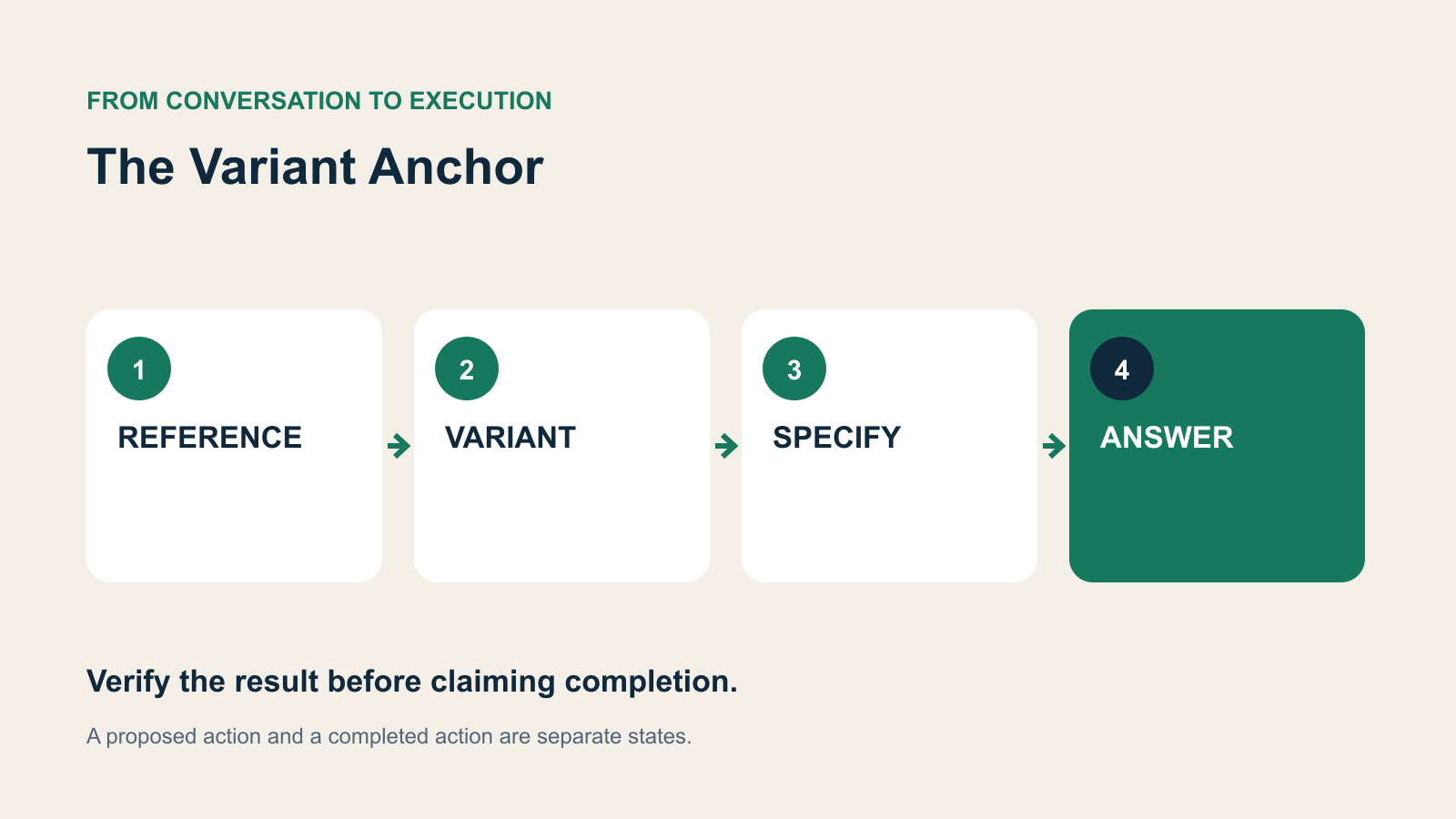
REFERENCE → VARIANT → SPECIFY → ANSWER: review the state transition, not just the response.
Measure decision accuracy alongside customer effort
Audit answers against the referenced variant rather than the product family. Track incorrect specification replies, clarification frequency, and orders changed after a variant mismatch. A useful denominator is questions that require variant-specific information. Counting all greetings and general FAQs would make a weak result look artificially accurate.
Use an explicitly illustrative audit to make the denominator clear. Suppose reviewers inspect 40 cases that genuinely require The Variant Anchor, and find 6 unsupported actions. That is 6 divided by 40, or 15% in that sample. It is not a market benchmark or an expected result. Counting 200 unrelated greetings alongside those cases would hide the failure without fixing it. Keep the relevant case count, error count, review rules, and uncertainty visible when reporting the result.
Also inspect the opposite failure: an unnecessary hold when the evidence was already sufficient. Reviewers should distinguish a justified clarification from an avoidable repeat question. An appropriate human review is different from a case abandoned without an owner. Pair the action error rate with customer effort and completion evidence so the team cannot improve one dashboard by moving the cost to the customer or another department.
Connect The Variant Anchor with the rest of customer operations
WhatsApp messages, interactive choices, attachments, and human replies need the same customer record as calls and downstream tasks. Brixi brings these capabilities together as a complete AI-native customer platform. Its value is the connection between the assistant that interprets the message, the CRM that retains the evidence, the workflow that coordinates the next step, and the person accountable for an exception.
For this use case, make the implementation review concrete: ask the Brixi team to walk through the original evidence, the current CRM state, the permitted action, and recovery when that action cannot complete. Validate any required source system, permission rule, and approval path during configuration. The recommended operating design in this article should be demonstrated against the actual deployment rather than assumed from a generic AI feature label.
For the wider operating model, read the WhatsApp sales automation guide. The important connection is between interpretation and accountable execution: the same evidence should prepare the assistant, the responsible human, and the next workflow.
What to inspect after the first quarter
At the first monthly review, look for the failure that has moved elsewhere. A cleaner conversation can still leave a stale task or an unowned approval. During the following reviews, sample complete journeys from original evidence to customer-visible outcome. Expand the scope only when the team can explain the remaining exceptions and the responsible owner can recover them without reconstructing the entire thread.
The deeper bet behind The Variant Anchor
Conversational commerce becomes more valuable when language connects to precise business objects. The assistant should understand what the customer is pointing at before offering advice. Connected product context, CRM memory, and workflow action make that precision useful beyond the chat bubble.
Put The Variant Anchor into a connected customer workflow
Explore how Brixi connects WhatsApp AI, CRM, AI assistants, conversations, workflows, and human teams around a reliable next action.