The Simplest CRM for Real Estate Teams That Works
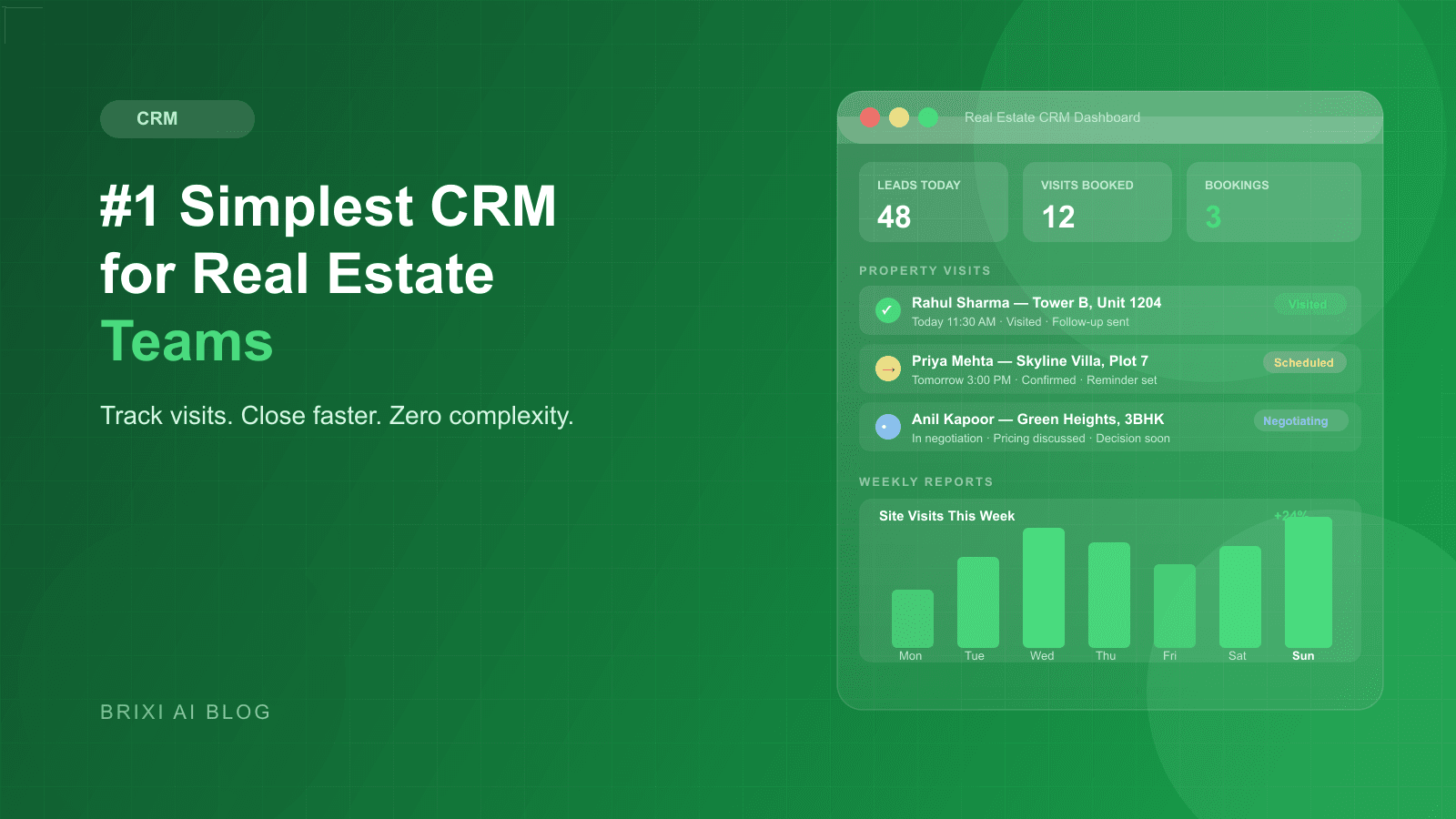
Most real estate CRMs fail not because they lack features, but because no rep ever opens them voluntarily. This post breaks down what a genuinely simple real estate CRM looks like, why adoption is the only metric that matters, and how the right system closes the loop from inquiry to booking without a single manual entry.
Vidya runs a 14-person sales team for a mid-sized residential developer in Nagpur. On a Tuesday in February, her head office asked her to pull the week's visit-to-booking conversion number for a board review. It took her two hours. Three reps had not updated the CRM since the previous Friday. One rep had logged visits under the wrong project code. Two leads that were supposed to be at the "decision" stage had never been contacted after their site tour.
Vidya's team was not lazy. They were using a CRM that had been sold to them as "enterprise-grade and fully customizable." What that meant in practice was a desktop-first interface with 14 required fields per lead update, a reporting module that needed a 45-minute tutorial to operate, and a mobile app that crashed on anything older than an iPhone 13. The CRM was technically sophisticated. It was practically useless.
This story repeats itself across hundreds of Indian real estate offices every month. The problem is almost never the team's discipline. The problem is that complexity kills adoption, and adoption is the only metric that determines whether a CRM creates value or collects a subscription fee.
What Does "Simple" Actually Mean for a Real Estate CRM?
Simple does not mean stripped-down. A simple real estate CRM still needs to handle lead assignment, site visit scheduling, inventory checks, multi-project pipeline views, and manager reporting. Simple means that the right action is always the easiest action. When a rep finishes a site tour, logging the outcome should take under 60 seconds. When a manager wants the week's conversion rate, it should be on the home screen, not buried inside a filter menu.
The contrarian claim worth making here is this: a CRM with fewer features that your entire team uses daily is worth ten times more than a feature-rich system that only managers open. Data completeness is the foundation of every useful report. And data completeness only happens when field reps find the system faster than the alternative, which in most real estate offices is a WhatsApp group or a paper notebook.
Why Do Most Real Estate Reps Stop Using Their CRM?
The named failure mode to understand here is the Passive Record Trap. The Passive Record Trap is what happens when a CRM becomes a record-keeping obligation rather than a tool that makes the rep's own work easier. The rep updates the CRM not to benefit themselves, but to satisfy a manager's weekly audit. Once reps make that mental shift from "tool for me" to "report for them," usage collapses within two months of rollout.
The Passive Record Trap is triggered by three specific design choices. First: requiring too many fields per update. If logging a phone call requires filling in call outcome, next action, next action date, priority score, and lead temperature, reps will batch-update at end of day from memory, which means inaccurate data. Second: no immediate value feedback. If updating the CRM does not instantly give the rep something useful back, such as a follow-up reminder or an automated WhatsApp to the lead, the update feels like form-filling with no return. Third: poor mobile experience. Real estate is a field job. A CRM that only works well on a desktop is a CRM that only gets used at the end of the day, if at all.
- Too many required fields per update: reps batch-update at end of day, accuracy drops.
- Desktop-only workflows: field reps on-site have no practical way to log visits in real time.
- No immediate value return: the CRM takes data but gives nothing useful back to the rep.
- Slow load times on 4G: one bad experience is enough to make a rep switch to WhatsApp.
- No WhatsApp integration: reps manage leads in two places and the CRM is always the one that falls behind.
What Is the Passive Record Trap and How Do You Escape It?
Escaping the Passive Record Trap requires redesigning the CRM interaction around the rep's own interest. Every time a rep updates a record, they should receive something useful in return: a scheduled follow-up, an automated WhatsApp sent on their behalf, an inventory availability check, or a stage-progress notification that moves the lead closer to a booking. The CRM becomes a tool that removes work from the rep rather than adding it.
The practical implication is that the best real estate CRM for a field team is not the one with the most features. It is the one where the act of logging a visit, a call, or a buyer reaction is faster and less effort than not logging it. That bar is achievable, but it requires intentional design choices that generic CRM platforms rarely prioritize.
How Should a Real Estate CRM Handle Property Visit Tracking?
A site visit is the most commercially significant event in the Indian residential sales funnel. A lead that completes a site visit is anywhere from four to eight times more likely to book than one that never leaves the inquiry stage. Despite this, most CRMs treat a visit as just another activity log entry, equivalent in weight to opening a marketing email. That design choice is wrong.
A simple real estate CRM treats the site visit as a first-class pipeline event with its own workflow. Scheduling a visit triggers an automatic WhatsApp confirmation to the buyer and a 24-hour reminder. When the rep checks in on-site from the mobile app, the visit is timestamped and the lead advances in the pipeline. After the tour, the rep completes a structured feedback form in under 60 seconds: preferred unit type, budget reaction, key objection, committed next step. That data flows directly into the manager's dashboard without any intermediate steps.
- One-tap visit scheduling with automatic WhatsApp confirmation and reminders.
- Mobile check-in timestamps the visit and advances the pipeline stage.
- Post-visit structured feedback form completed in under 60 seconds.
- Automatic follow-up sequence triggered one hour after visit close.
- Post-visit microsite engagement tracked and surfaced in the lead record.
- Visit-to-booking conversion tracked per rep, per project, per week.
What Reports Does a Real Estate Sales Manager Actually Need?
The reporting problem in most real estate sales offices is not a shortage of data. It is an excess of unstructured data that does not answer the questions a manager needs answered on Monday morning. A genuinely simple CRM ships with a small number of pre-built, real-estate-specific reports that managers can read in under 10 minutes, without filters, without exports to Excel, and without asking a data analyst for help.
Lead Source Performance
This report shows which channels generated leads that converted to site visits and then to bookings, broken down by cost per lead and cost per visit. Without this report, marketing budget gets allocated on volume, not revenue. A portal generating 200 leads a month at 10 percent visit rate is a worse investment than one generating 40 leads at 45 percent visit rate.
Site Visit Conversion Rate
This shows the ratio of new inquiries to completed visits across the team, broken down by rep and by project. A healthy ratio sits above 12 percent. When it falls below 8 percent, the follow-up cadence is broken and a conversation with the team is overdue before the next lead batch is purchased.
Pipeline Stage Distribution
This report shows how many leads sit in each stage at any given moment. Leads piling up in "visited but undecided" point to a post-visit follow-up problem. Leads piling up in "contacted but no visit scheduled" point to qualification or urgency problems earlier in the funnel. The shape of the pipeline tells the manager exactly where to focus coaching.
Rep Activity and Outcomes
This separates activity from outcomes at the individual rep level. A rep with 80 outbound calls and zero visits scheduled has a different coaching conversation than a rep with 20 calls and 6 visits scheduled. Tracking only total activity hides the quality signal inside a volume number.
Lost Lead Analysis
Most sales teams track won deals obsessively and analyze lost deals almost never. This report groups every lead marked lost in the last 30 days by reason: bought elsewhere, budget mismatch, location preference, project not right, or stopped responding. Over 90 days, it reveals the most fixable loss patterns. Fixable is the key word. Some loss reasons are outside the team's control. Others are direct evidence of process failures.
The Monday morning review habit
The real estate sales managers who make best use of their CRM data share a simple habit: three reports reviewed every Monday morning before any other meeting. Lead Source Performance, Site Visit Conversion Rate, and Rep Activity. These three together take under 15 minutes and provide 80 percent of the diagnostic information needed to direct the week. Build this habit before building a more complex dashboard.
How Should Lead Distribution Work in a Fast-Moving Sales Team?
Manual lead distribution is one of the most common and most correctable sources of conversion loss in Indian real estate offices. When a manager receives an email notification of a new lead, decides who to assign it to, sends a WhatsApp, and waits for confirmation, the average lead response time stretches past 20 minutes. Research on inbound lead behavior consistently shows that contact rate drops sharply after the five-minute mark. In a competitive market where a buyer has submitted inquiries to three or four developers at once, being the second or third to respond is often the same as not responding at all.
A simple CRM for real estate teams handles lead distribution with pre-configured rules: round-robin across active reps, language-based routing for regional markets, project-specialty routing for large multi-project developers, or geographic routing for teams covering specific localities. When a lead comes in, it reaches the assigned rep in under 60 seconds without any manager involvement. The manager's role is to set the rules once and monitor exceptions, not to process every incoming lead.
- Round-robin distribution across all active reps in the project team.
- Language-based routing: Hindi-speaking leads to Hindi-speaking reps.
- Project-specialty routing for developers with multiple project types.
- Geographic routing for teams covering specific pin codes or localities.
- Escalation rule: lead uncontacted after 10 minutes reassigned automatically.
- Manager override with one tap when workload or expertise needs adjustment.
What Changes After a Quarter of Using a Simple CRM?
The first-week benefit of switching to a genuinely simple CRM is adoption. Reps use it because it is faster than the alternative. The second-week benefit is data completeness: lead records are current, visit logs are accurate, and follow-up sequences run automatically. By week four, managers are making decisions from reports instead of gut feeling for the first time.
After a full quarter, three structural changes become visible. First: lead response time drops, often significantly. When distribution is automatic and reps have a mobile app that works on-site, the average time from inquiry to first contact falls from 20 to 30 minutes to under five minutes. Second: the Passive Record Trap dissolves. Because the CRM now sends automated follow-ups on the rep's behalf and surfaces visit reminders without prompting, reps stop thinking of it as a reporting obligation and start thinking of it as a personal assistant. Third: managers gain a reliable forward view. With accurate pipeline data, the revenue forecast for the next 30 to 60 days becomes usable. Budget decisions, staffing decisions, and marketing decisions stop being made in the dark.
There is also a less obvious fourth change: the team's institutional memory improves. In most real estate offices, the knowledge of which leads are warm, which localities are producing strong interest, and which rep handles which type of buyer lives entirely inside individual reps' heads. When a rep leaves, that knowledge leaves with them. A simple CRM that is actually used stores that knowledge in the system, so it survives staff turnover.
When Is the Right Time to Switch to a Simpler CRM?
The wrong time to switch is during an active project launch. The right time is six to eight weeks before one. That window gives enough time to migrate historical lead data, configure distribution rules, train the team on the mobile app, and run the first week of live leads through the new system before the volume of a launch weekend hits.
- Reps are updating the CRM less than twice a week, meaning data is already stale.
- Managers are spending more than two hours per week manually pulling reports.
- Inventory is still tracked in a separate Excel file outside the CRM.
- Follow-up reminders are managed through personal WhatsApp groups.
- A new rep takes more than two weeks to become operationally productive.
- There is no reliable data on visit-to-booking conversion at the rep level.
If three or more of those conditions are true in your team right now, the cost of switching is lower than the cost of staying. The leads your team is losing to slow response time, missed follow-ups, and stale inventory data add up to a real revenue number. The question is not whether you can afford to switch. It is whether you can afford not to.
Back to Vidya: What the Quarter Looked Like After the Switch
Three months after Vidya's team moved to a simpler CRM, the board review she had been dreading became the meeting she looked forward to. The visit-to-booking conversion report loaded in 8 seconds. Every lead record was current because reps were updating from the mobile app on-site, not reconstructing the week from memory on a Friday afternoon. The two leads that had previously gone cold after a visit without follow-up were now catching a structured three-message sequence within an hour of the tour ending.
More importantly, Vidya stopped spending her mornings chasing data and started spending them coaching reps on the conversations that were actually losing deals. The CRM had broken the Passive Record Trap. Her team was using it not because they had to, but because it made their own days faster. That is the only version of a simple CRM that actually works.
Is your real estate CRM actually being used?
Brixi is built for field teams that need a mobile-first CRM with automatic visit tracking, instant lead distribution, and reports that are ready before the Monday meeting starts.
Book a DemoFrequently Asked Questions
The simplest real estate CRM is one your field reps update voluntarily every day, not one with the fewest features. Look for a mobile-first app with one-tap visit logging, automatic WhatsApp follow-ups, and pre-built reports for lead source performance and site visit conversion. Brixi was built specifically for this use case and onboards a new sales executive in one day.
In a purpose-built real estate CRM, a site visit is a first-class pipeline event. Scheduling a visit triggers automatic WhatsApp confirmations and reminders to the buyer. The rep checks in on-site from the mobile app, timestamping the visit. After the tour, a structured feedback form takes under 60 seconds to complete and the data feeds directly into the pipeline stage and manager dashboard. No manual entry is required at any step.
The most common cause is what this post calls the Passive Record Trap: the CRM starts to feel like a reporting obligation for management rather than a tool that helps the rep close deals. The triggers are too many required fields per update, a poor mobile experience on 4G, and no immediate value feedback when a rep logs an interaction. A CRM that sends a follow-up automatically after a rep logs a visit breaks this trap because the rep gets something useful in return for the update.
Manual lead distribution introduces response time delays that cost bookings. A simple real estate CRM connects directly to portal lead forms and assigns new leads within 60 seconds using pre-configured rules: round-robin, project specialty, language preference, or geographic routing. If a rep does not contact the lead within 10 minutes, the lead is automatically reassigned. This keeps average response time under five minutes without any manager involvement in the daily flow.