Brixi Mobile CRM for Field Sales: Deals on the Go
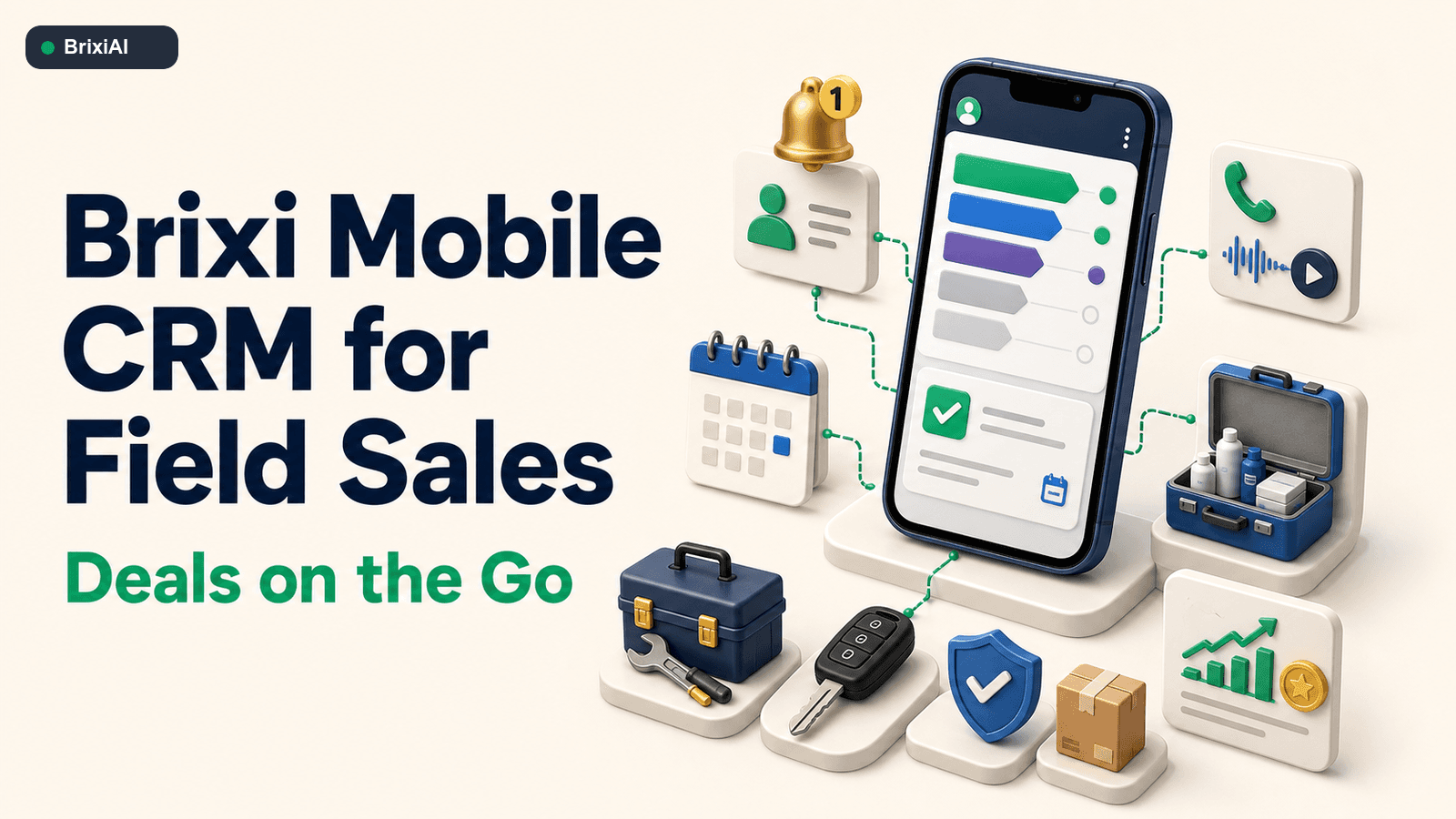
Customer work keeps moving between meetings, branches, client locations, and calls. Brixi Mobile closes the Between-Meeting Gap by giving field teams one place to respond, manage deals, complete tasks, and preserve customer context.
It is 3:42 PM on a Wednesday. Anita has just finished an in-person customer meeting in Pune and has another appointment across town at 4:30. The customer asked for a revised product option, mentioned a second decision-maker, and agreed to review pricing on Friday. A new lead alert arrives as Anita reaches the car. Her notes are still in her head, the opportunity stage is outdated, and the next task does not exist yet. This is the moment a mobile CRM for field sales must be built to handle.
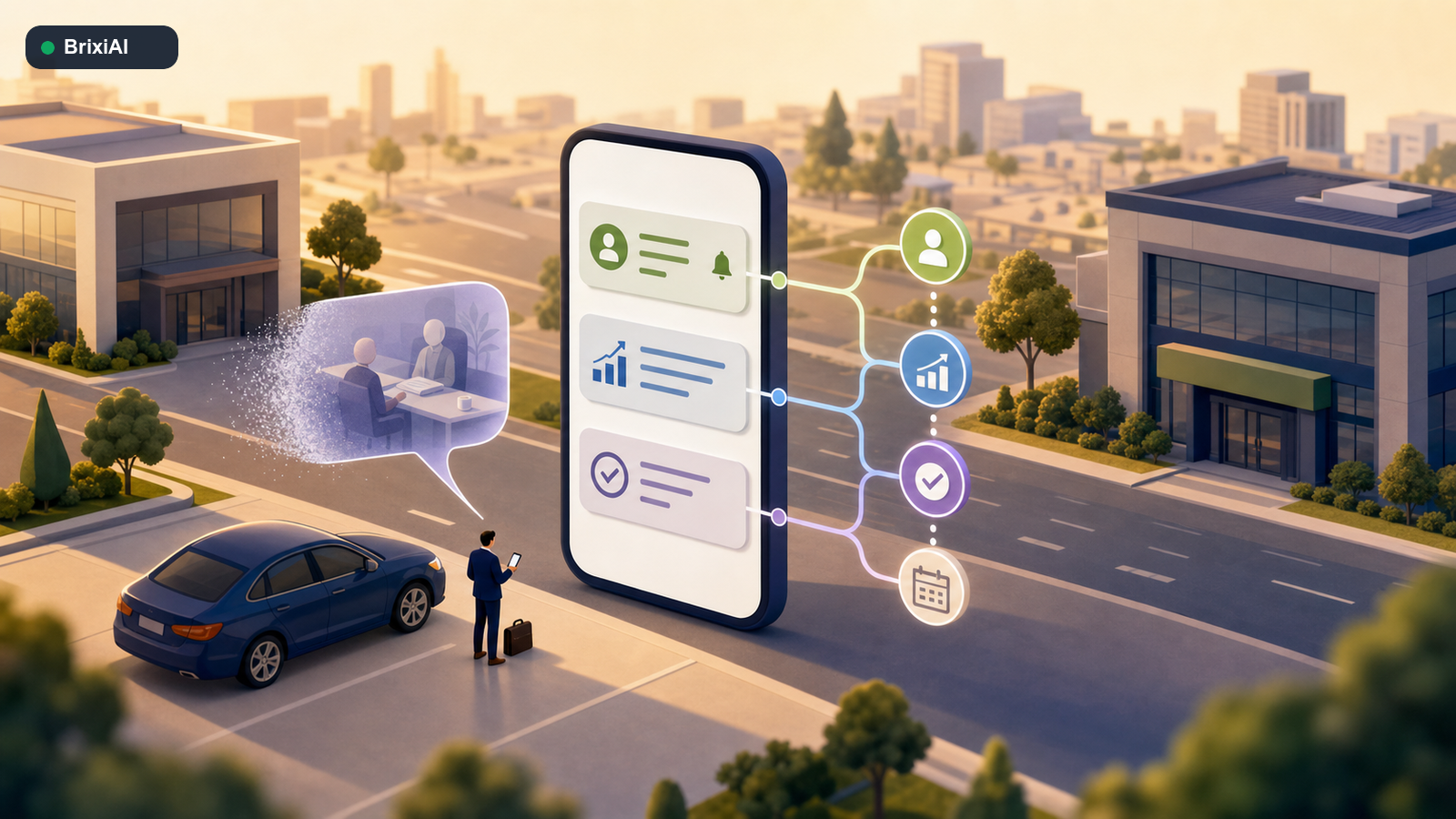
Customer work keeps moving, even when the rep is nowhere near a desk.
This is the Between-Meeting Gap. It is the period when customer context is fresh but the system is waiting for an update. Traditional CRM assumes the rep will reconstruct the conversation later. In practice, the next meeting begins, another call arrives, and the detail that should have moved the deal forward becomes a vague note at the end of the day.
Brixi Mobile closes that gap by turning the phone into the execution layer of a complete AI-native customer platform. Leads, contacts, opportunities, tasks, activities, conversations, meetings, products, and team operations stay connected. The objective is not to carry a smaller desktop CRM. It is to help the rep complete the next action while the customer context still has meaning.
A modern mobile CRM should remove steps from the working day
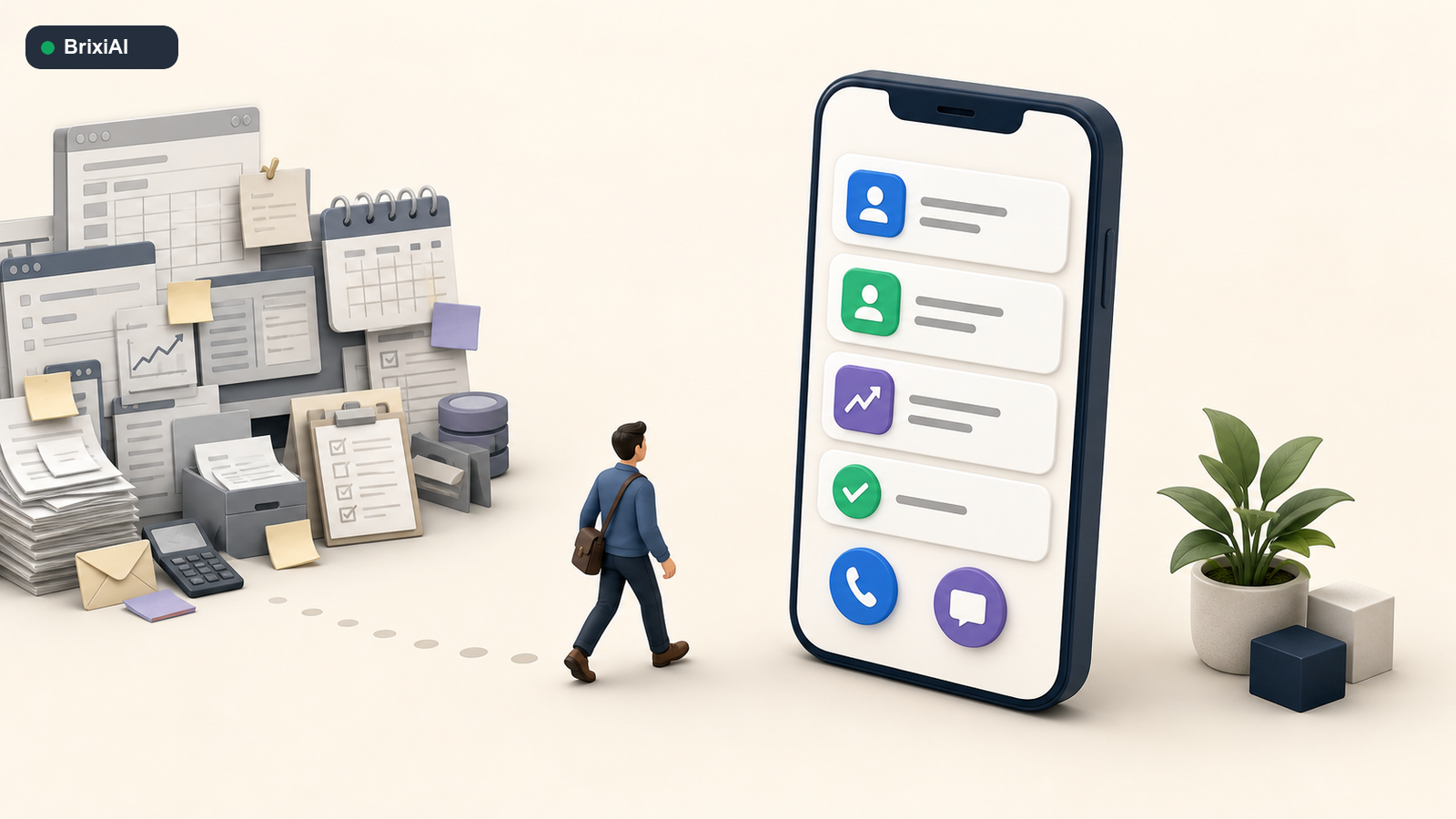
A mobile interface earns adoption when it removes work instead of adding another reporting step.
Field adoption is often treated as a training problem. It is usually a product-design problem. If a rep needs one system to find a contact, another to place the call, a third to send a message, and a desktop login to update the deal, the CRM becomes an obligation. The team learns to work around it because the customer cannot wait for the workflow.
Brixi Mobile is designed around quick actions. A rep can open a lead, find the related contact, see the active opportunity, review recent conversations, and understand the next task without navigating through a scaled-down administrative interface. The modern interface matters because speed is not only a routing metric. It is the number of steps between knowing what to do and doing it.
- Open a lead or contact and see ownership, source, recent activity, and the next task.
- Convert a qualified lead into an opportunity without recreating the customer record.
- Review calls, messages, meetings, notes, files, and deal movement from one timeline.
- Create a follow-up task while the commitment is still fresh.
- Continue capturing essential work when connectivity is unreliable and sync it when the connection returns.
Rule Mobile adoption follows immediate value
The rep should get something useful from every update: clearer context, a faster action, or a more reliable next step. Reporting alone does not create daily adoption.
Lead and contact management should begin with accountable ownership
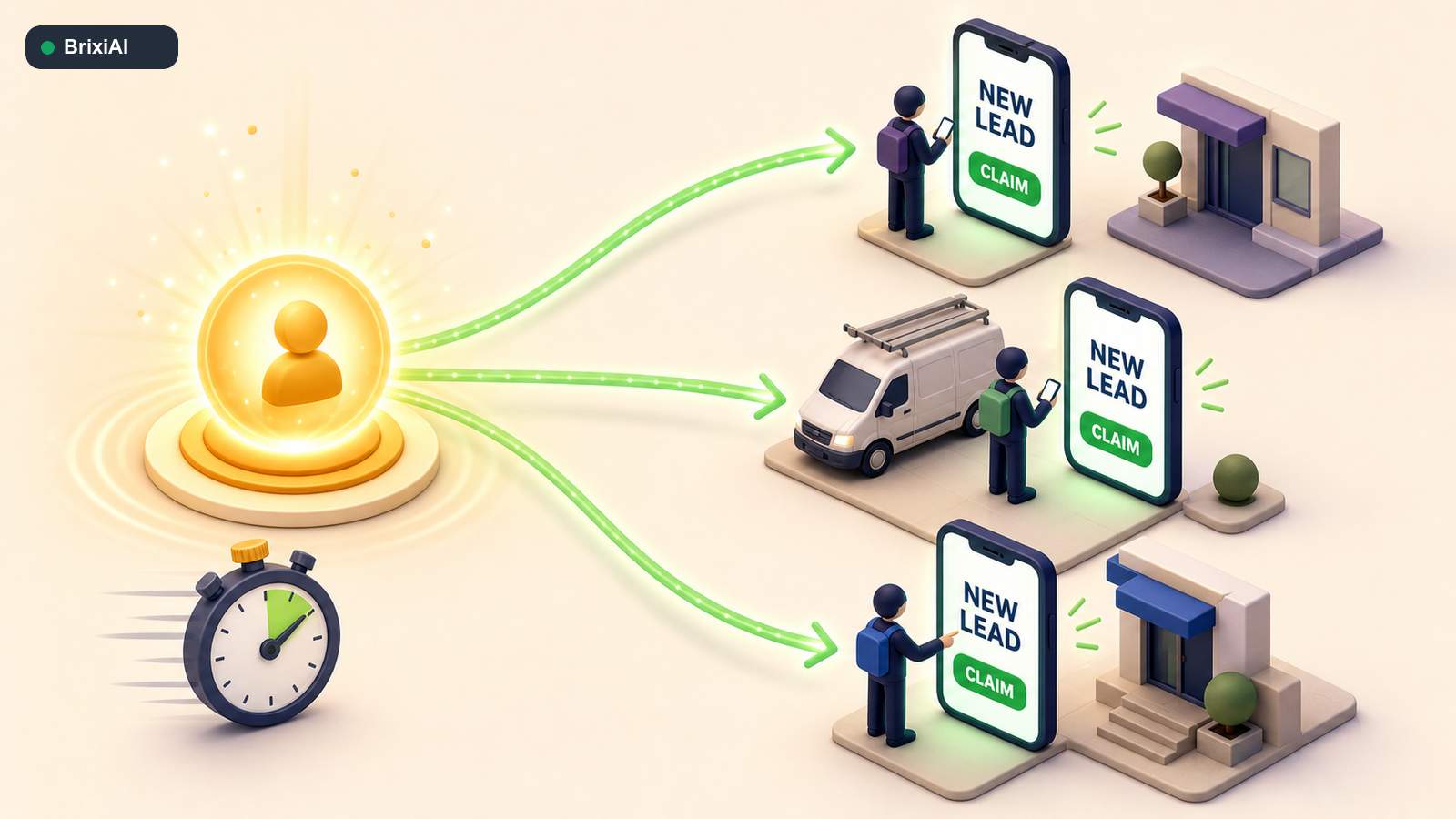
The right eligible team sees the lead immediately, and the first valid claim establishes ownership.
A lead sitting in a queue is not being managed. It is waiting. In insurance, automotive, education, healthcare, home services, distribution, and B2B sales, the customer may contact several providers within the same hour. Assigning the record to someone who is unavailable creates administrative ownership without operational action.
Brixi can send a real-time claim alert to eligible team members. Availability joins the usual routing rules, which may include territory, product line, language, shift, branch, or performance. One rep claims the lead, ownership becomes visible, and the remaining claim options close. If nobody responds within the configured window, the workflow can reopen, reroute, or escalate the lead.
This model does not remove governance. It makes governance responsive. Managers can see when the lead arrived, who was alerted, who claimed it, when the first attempt happened, and whether the response met the team target. The queue stops being a hiding place.
Calls, recordings, email, and WhatsApp belong to one customer memory
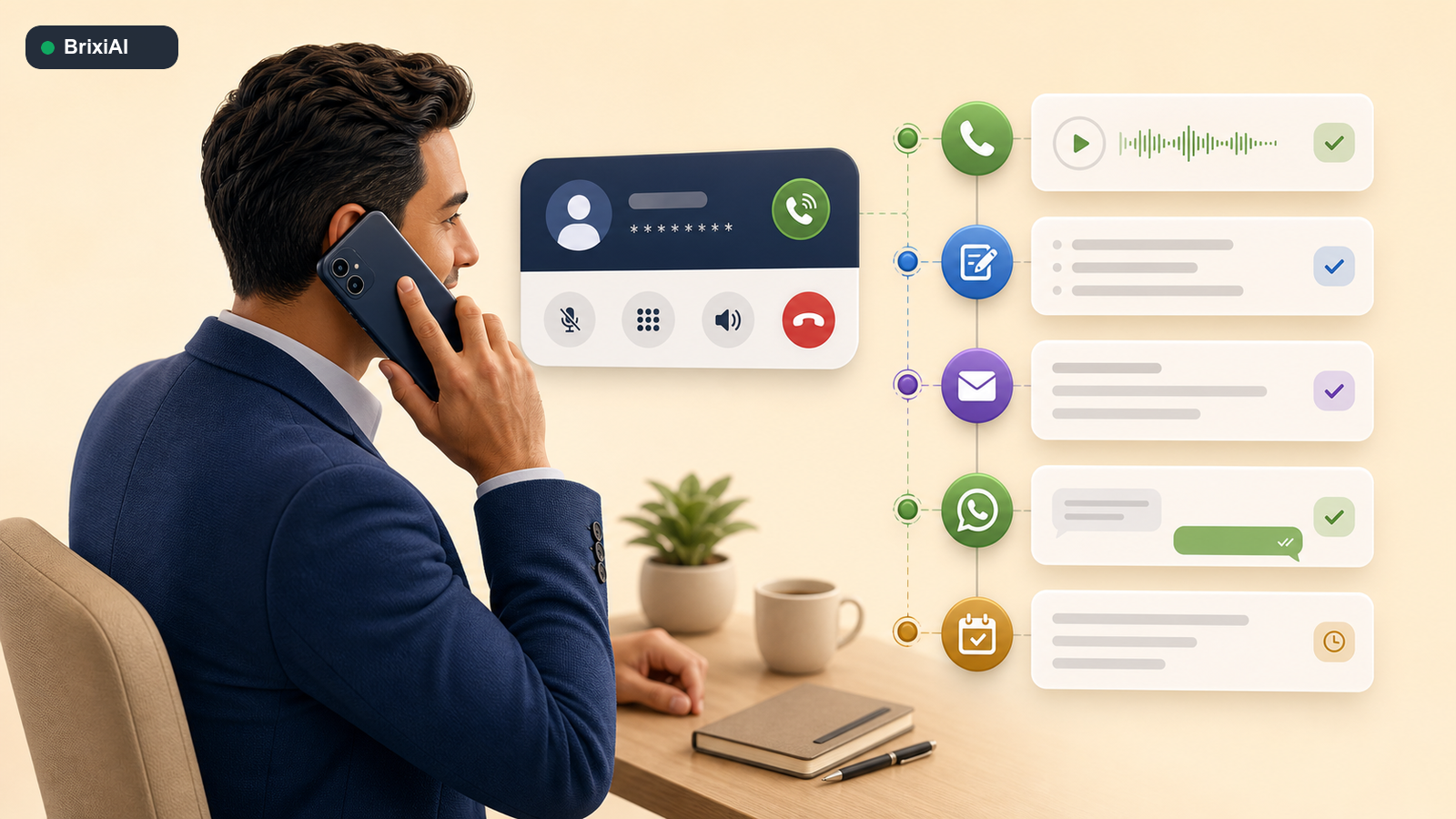
Every conversation should add context to the same customer relationship.
The customer does not think in channels. A prospect may answer a phone call, request details on WhatsApp, email a document, and confirm the next step during an offline meeting. When each interaction lives in a different tool, the rep becomes the integration layer. They copy notes, search threads, and depend on memory to preserve the relationship.
Brixi Mobile lets the rep make a call, keep the recording connected to the customer, send an email, continue on WhatsApp, and log the outcome from the same record. The next person can see what was discussed and what was promised. Managers can coach from the conversation, not from a status field written hours later.
- Call with the lead or contact context visible before and during the conversation.
- Keep the recording and outcome attached to the customer timeline.
- Send email or WhatsApp follow-up without rebuilding the context elsewhere.
- Record an objection, requirement, commitment, or escalation immediately.
- Create the next task directly from the conversation outcome.
Meeting scheduling should create the next task automatically
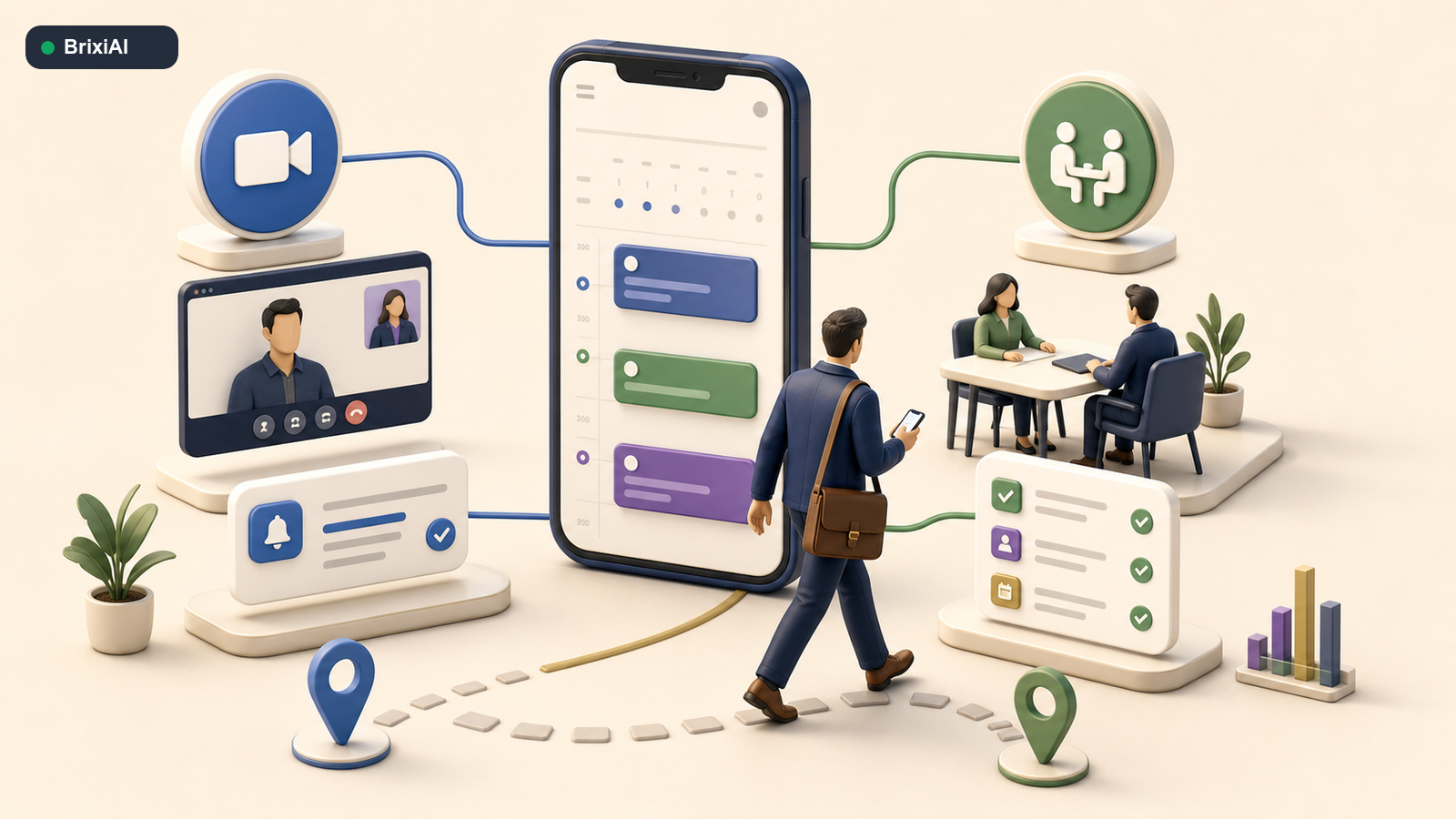
The meeting is useful when the system also remembers what must happen before and after it.
A calendar event only reserves time. Customer execution requires more. The rep may need to send a confirmation, prepare a document, invite a specialist, add a video link, record the meeting outcome, and schedule a follow-up. If those actions remain in the rep’s head, the calendar is organized while the customer journey is not.
Brixi Mobile supports both online and offline meeting scheduling from the customer record. The appointment remains connected to the lead, contact, or deal. Reminders, preparation tasks, owner notifications, and follow-up work can stay attached to the same timeline, so the meeting becomes an operational event rather than a standalone calendar block.
Deal and opportunity management should happen while momentum is live
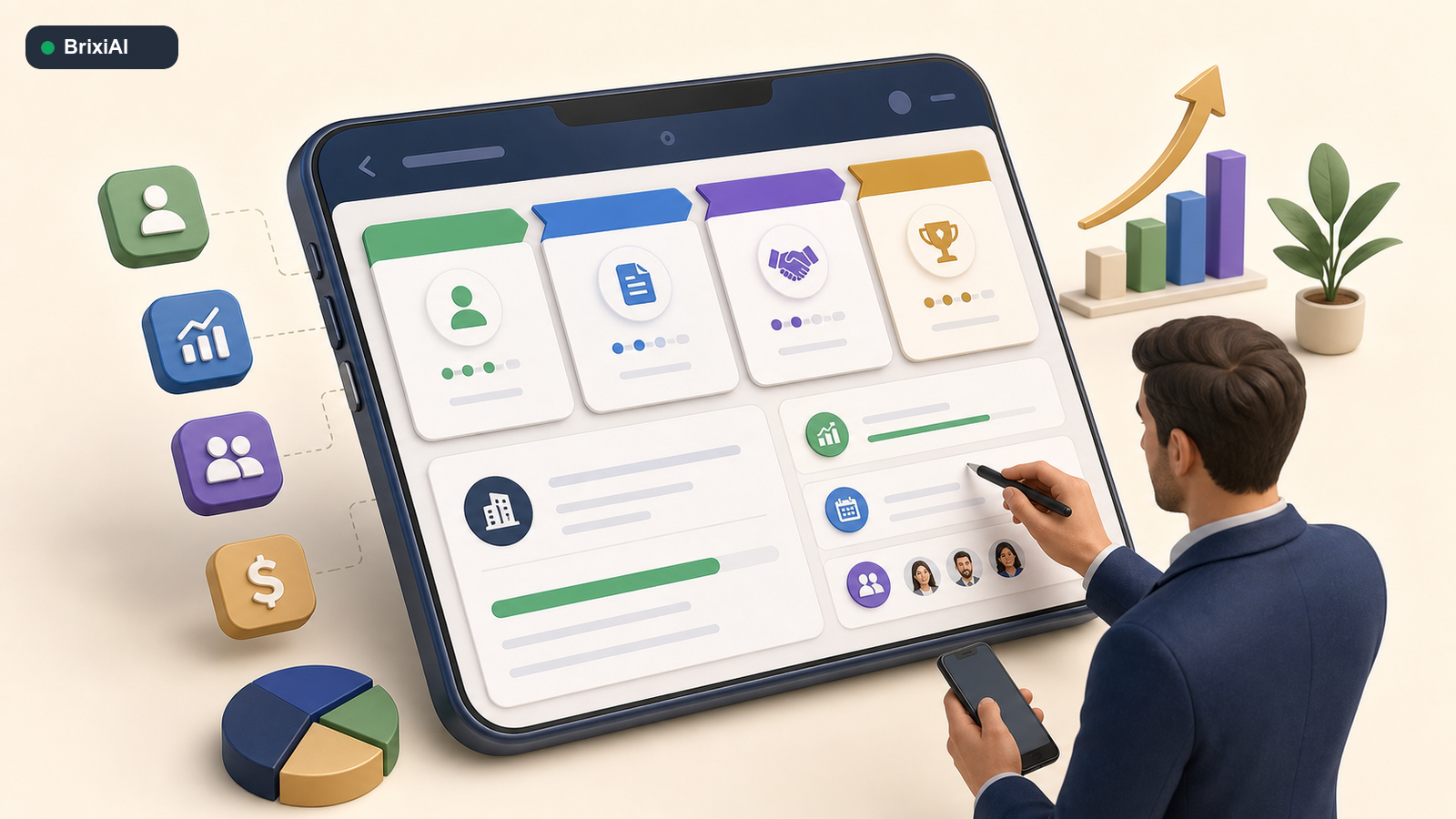
The strongest deal update happens when the customer’s words are still fresh.
The costliest information delay is often inside an active deal. A customer agrees to bring procurement into the next meeting, asks for a revised package, or reveals that the decision date has moved. If the opportunity remains unchanged until Friday, the manager sees a stale pipeline and the rep receives the wrong follow-up reminder.
From Brixi Mobile, the rep can create or update an opportunity, move the stage, revise the expected value or closure date, confirm ownership, record objections, add the decision-maker, and define the next task. Deal and opportunity refer to the same commercial workflow here. The important distinction is between the opportunity and the task that advances it.
- Create an opportunity from a qualified lead or existing contact.
- Update stage, value, expected closure, priority, and owner.
- Review calls, messages, meetings, notes, and shared materials inside the deal.
- Add requirements, objections, competitors, and decision-maker context.
- Create a task with an owner and due date before leaving the conversation.
- Surface stalled, urgent, or high-value deals for manager attention.
A task is planned work: call, send, prepare, review, confirm, or follow up. An activity is the completed record of what happened. Keeping both connected to the opportunity gives the rep a clear action list and gives the manager evidence that the deal is actually moving.
Product, service, catalogue, and inventory context should travel with the rep
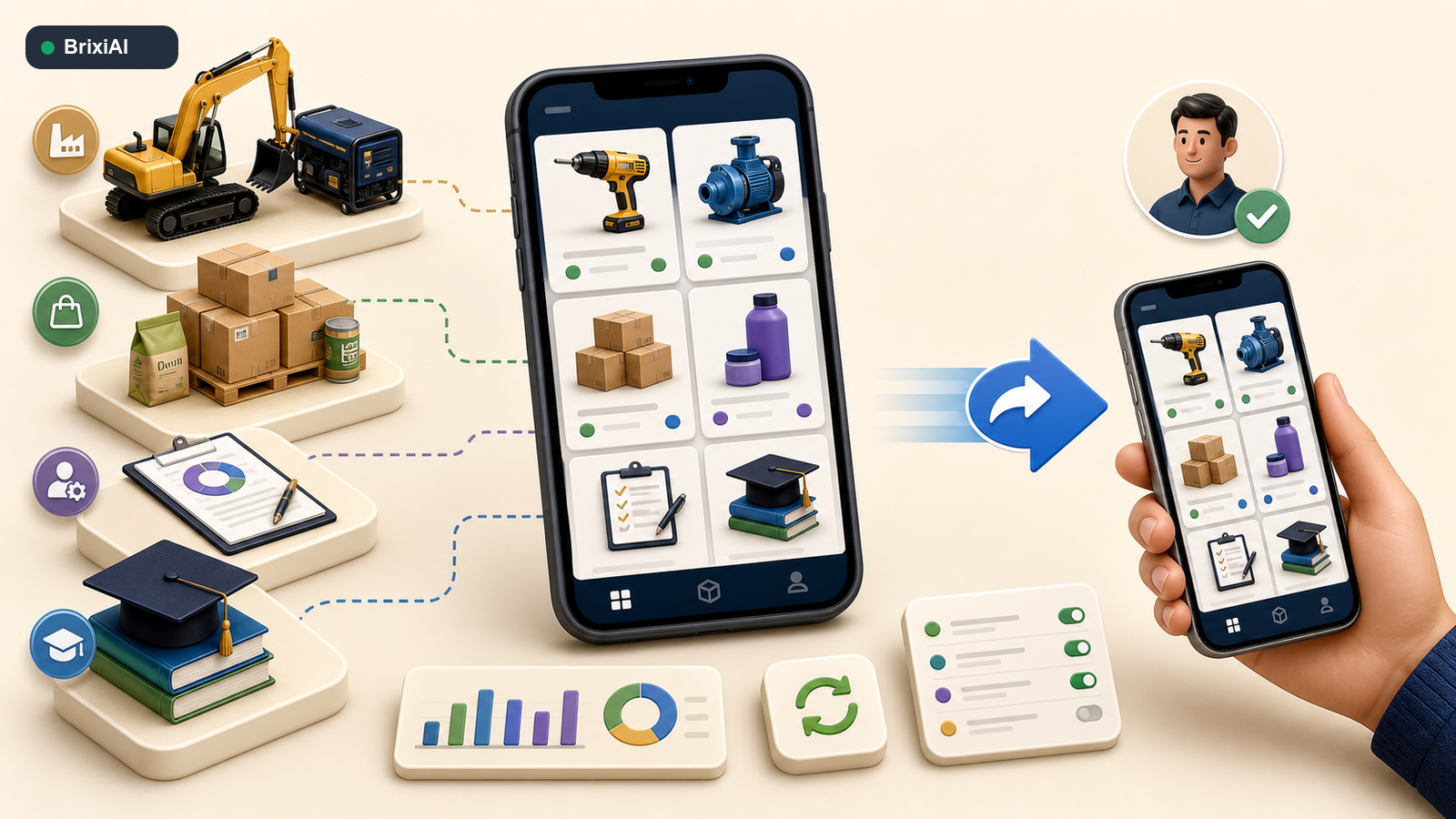
The rep can share the relevant available option while the customer conversation is active.
Customers ask product questions when the rep is least likely to have the right spreadsheet open. An insurance advisor needs the current plan comparison. An automotive salesperson needs a variant and delivery estimate. A distributor rep needs stock status. A home-services advisor needs package availability. A B2B seller needs the correct product sheet for the requested configuration.
Brixi Mobile brings product, service, catalogue, and inventory context closer to the customer record. The rep can review the relevant option and share product information directly instead of forwarding a generic folder. The system preserves what was shared, which option interested the customer, and what follow-up task should come next.
Combining inventory management and information sharing matters because availability without communication is passive data, while communication without current availability creates broken promises. The mobile workflow connects the two.
Tasks, activities, attendance, leave, and expenses create one work record
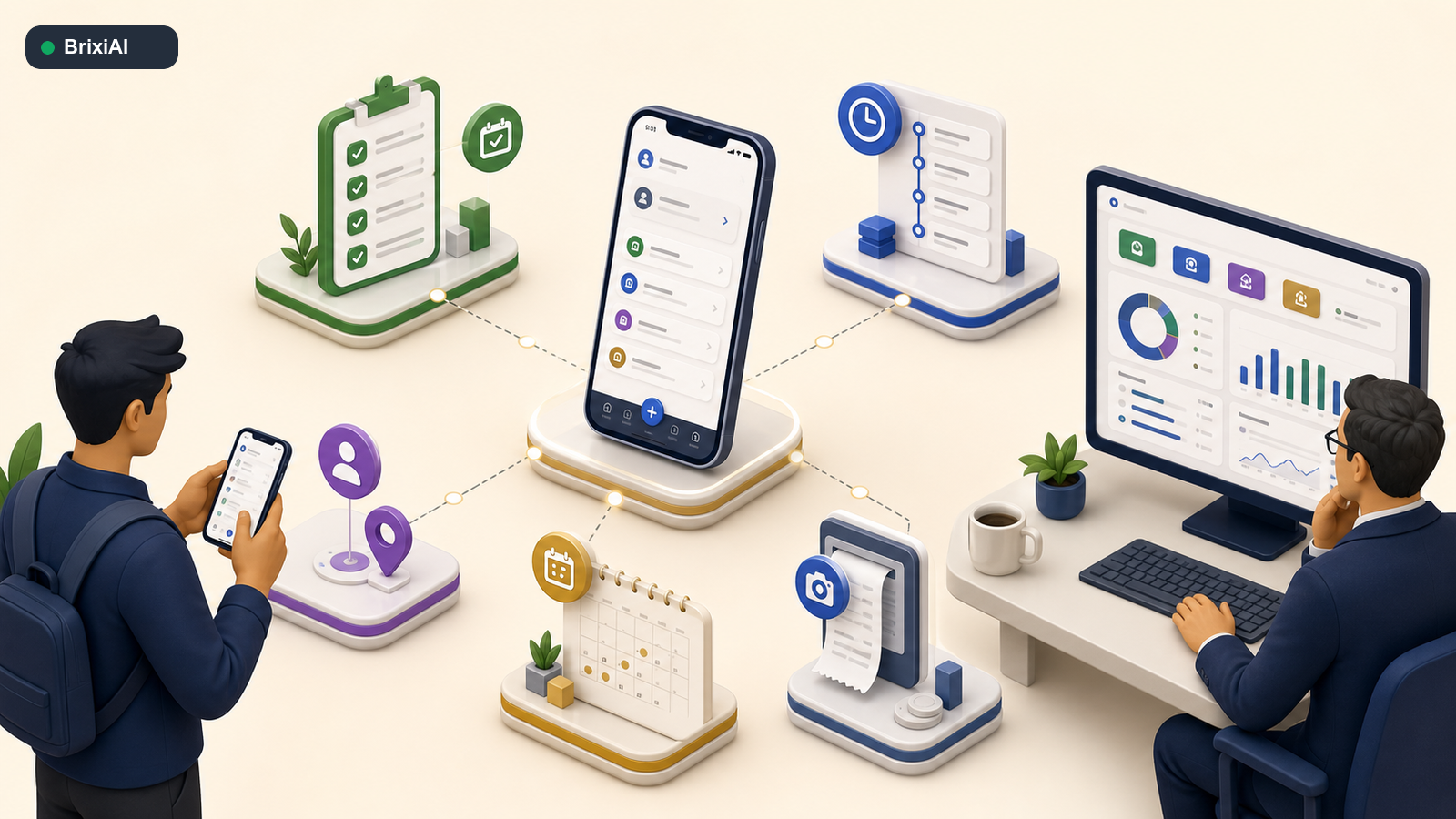
The field work record becomes useful when customer execution and team operations stay connected.
Field teams often report the same day several times. Attendance goes into one app. Leave goes to a manager on chat. Expense receipts go into a folder. Customer activities go into the CRM. Tasks sit in a personal notebook. The rep carries the administrative burden, and the manager still receives an incomplete view.
Brixi Mobile connects attendance, leave, expenses, tasks, and customer activities more closely to the actual working day. A rep can see what is due, complete the action, and leave an activity record. Managers can review response discipline, meeting outcomes, deal movement, task completion, and field operations without asking the team to rebuild the day in a spreadsheet.
- Tasks show what must happen next, who owns it, and when it is due.
- Activities show what already happened across calls, messages, meetings, and updates.
- Attendance and leave make team availability visible for routing and planning.
- Expense tracking connects field costs to the working day.
- Manager views show execution patterns without turning visibility into surveillance.
What changes after one quarter of mobile execution?
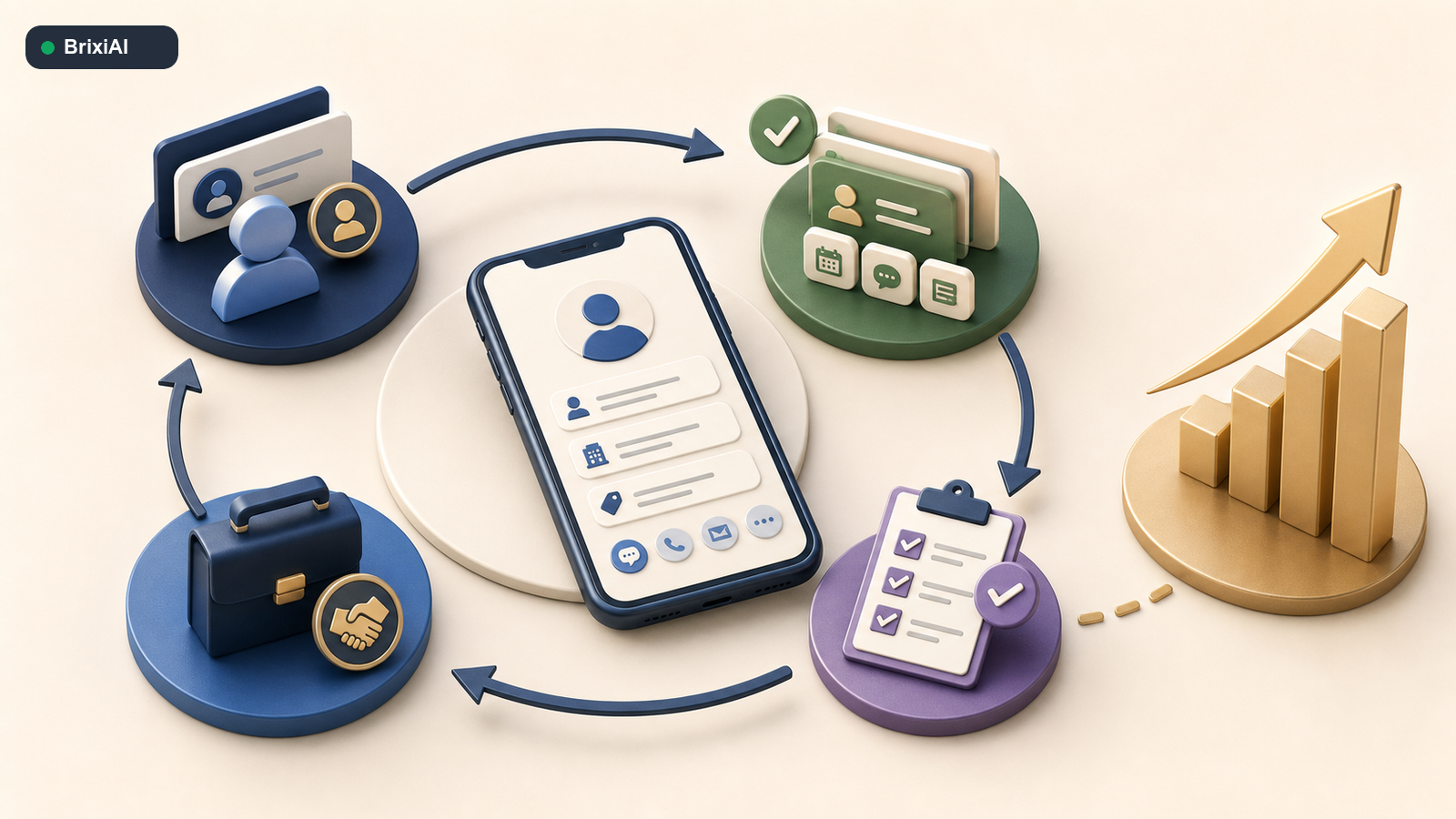
A quarter of mobile execution makes ownership, actions, and pipeline evidence easier to inspect.
The first change is that ownership becomes measurable. Leaders can see how long a lead waited, who claimed it, when the first contact happened, and which routing rules created delays. The second change is that customer memory improves. Calls, recordings, messages, meetings, notes, tasks, activities, and deal updates form one traceable sequence.
The third change is pipeline confidence. Managers stop depending on stage updates without evidence because every active opportunity has a visible next task and a recent activity history. A deal marked as progressing but carrying no customer interaction or completed task becomes easier to challenge before the forecast meeting.
The final change is adoption. Reps use the system because it helps them work faster, not only because management requires data. The mobile CRM gives context back at the moment of action. That value exchange is what makes the operating discipline last.
The deeper bet: customer execution becomes independent of location
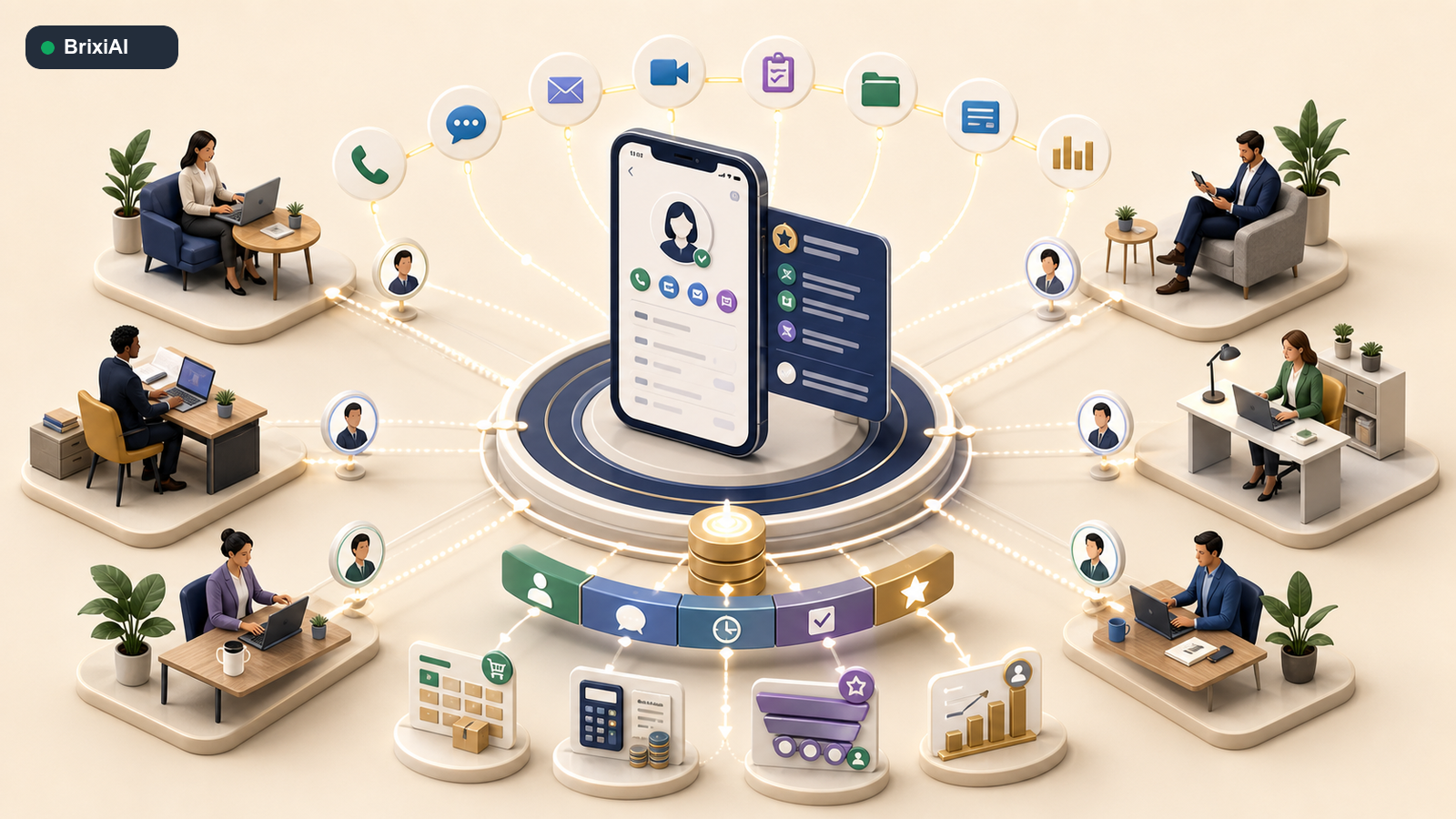
Customer execution stays connected wherever the team happens to be working.
The future CRM will not be judged by how much data it stores at headquarters. It will be judged by whether a customer signal can become an accountable action wherever the employee happens to be. A lead should find an available owner. A call should update memory. A meeting should produce a task. A task should advance a deal. A product request should lead to a relevant share. The system should preserve the chain.
Brixi Mobile is the field interface for that complete AI-native customer platform. CRM, Voice AI, WhatsApp, email, meetings, deal management, tasks, activities, product context, workflows, conversation intelligence, and manager visibility share one operating layer. The app does not merely report customer work after it happens. It helps the team perform the work while the opportunity is still live.
Download Brixi Mobile from the Apple App Store or Google Play.
Put customer work in every field rep’s hand
See how Brixi connects leads, calls, meetings, deals, tasks, products, attendance, expenses, and manager visibility in one mobile-first customer platform.